![elentra_logo_Blue-and-Black-3.png]](https://help.elentra.com/hs-fs/hubfs/elentra_logo_Blue-and-Black-3.png?height=40&name=elentra_logo_Blue-and-Black-3.png)
External Assessors Overview
Within Manage Users
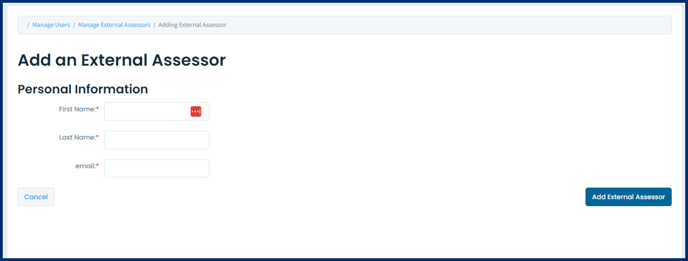
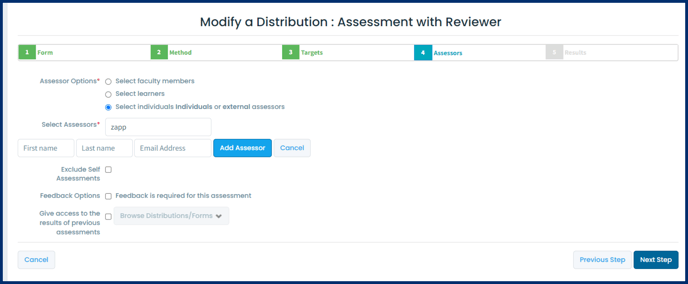
Within a Distribution Setup
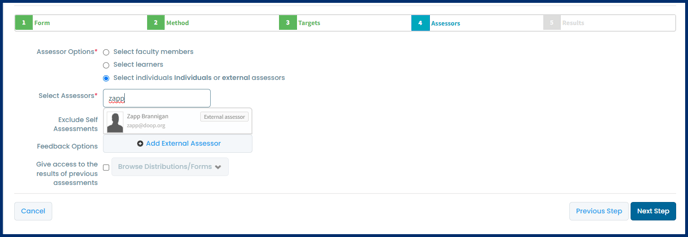
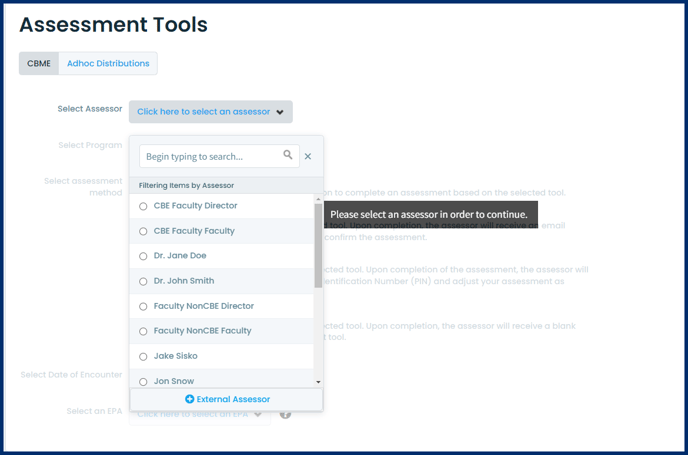
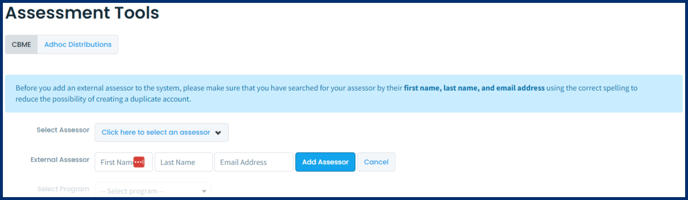
When Initiating an Assessment
Note: Allowing learners to add external assessors when initiating a task is an option controlled via a database setting (cbme_ondemand_start_assessment_add_assessor). To adjust this setting for your organization, contact Elentra Support.

Note: There is currently no way to merge completed assessments or evaluations from two accounts into one; nor is there the ability to automatically turn an external assessor record into a full Elentra user account through the user interface. For these tasks, contact Elentra Support.
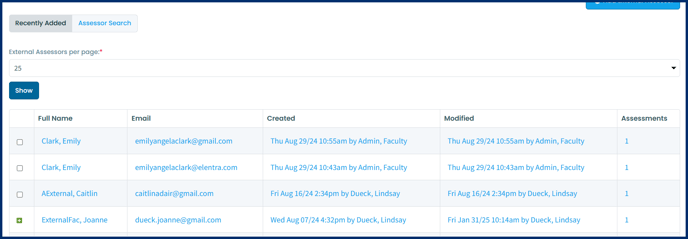
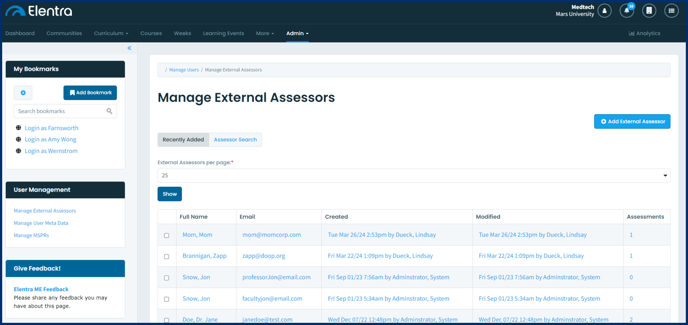
- Control how many assessors are displayed on the page.
- Edit an assessor's name or email address by clicking on the assessor's name.
- Delete an external assessor to prevent future task assignment.
- Click on the number in the assessments column to view assessments completed by that assessor.
- If an assessor has been deleted, there will be no link to their assessments.
- Switch to the Assessor Search tab to search for a specific external assessor.
Deleted external assessors will not be removed from the interface, but will no longer be available for use in distributions. Deleted external assessors will have a green + button beside their name, which when clicked will allow you to re-add the external assessor profile.